Full reports from brief descriptions
Turn a short accessibility issue description into a complete, actionable report for Web, iOS, and Android—ready to share or create tickets in Jira automatically.
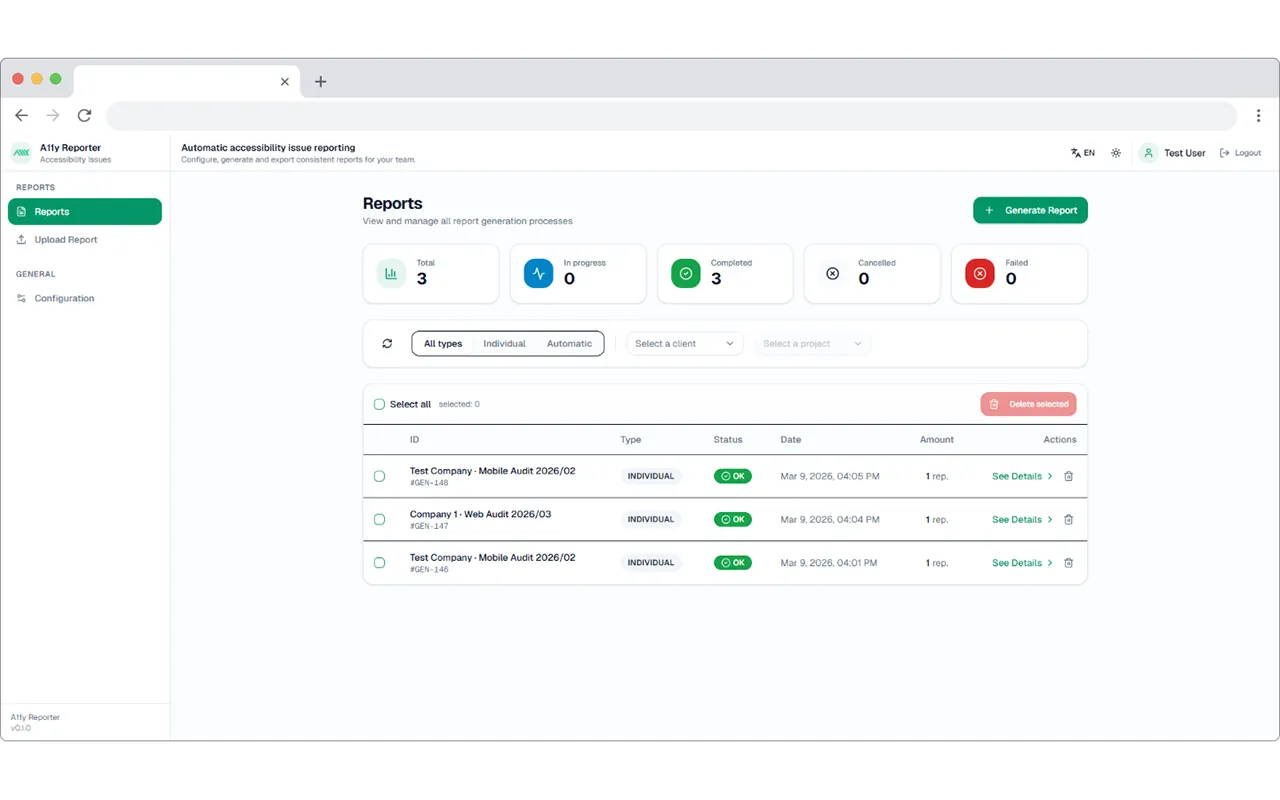
What it is
Everything A11yReport does for you
A11yReport is a web platform that turns brief accessibility issue descriptions into structured, export-ready reports — powered by AI and built for professional auditors.
- Generate full accessibility reports from short text descriptions
- Export findings directly to Google Sheets and Jira
- Manage audit configurations across multiple projects
Benefits
Why A11yReport?
Saves time
Full reports in minutes—no manual drafting from scratch.
Consistent quality
Same format and quality across every issue, every platform.
Team workflow ready
Integrates with Jira and similar tools for auto ticket creation.
Web, iOS, Android
Platform-specific detail for each target—one workflow, multiple outputs.
Product
Features
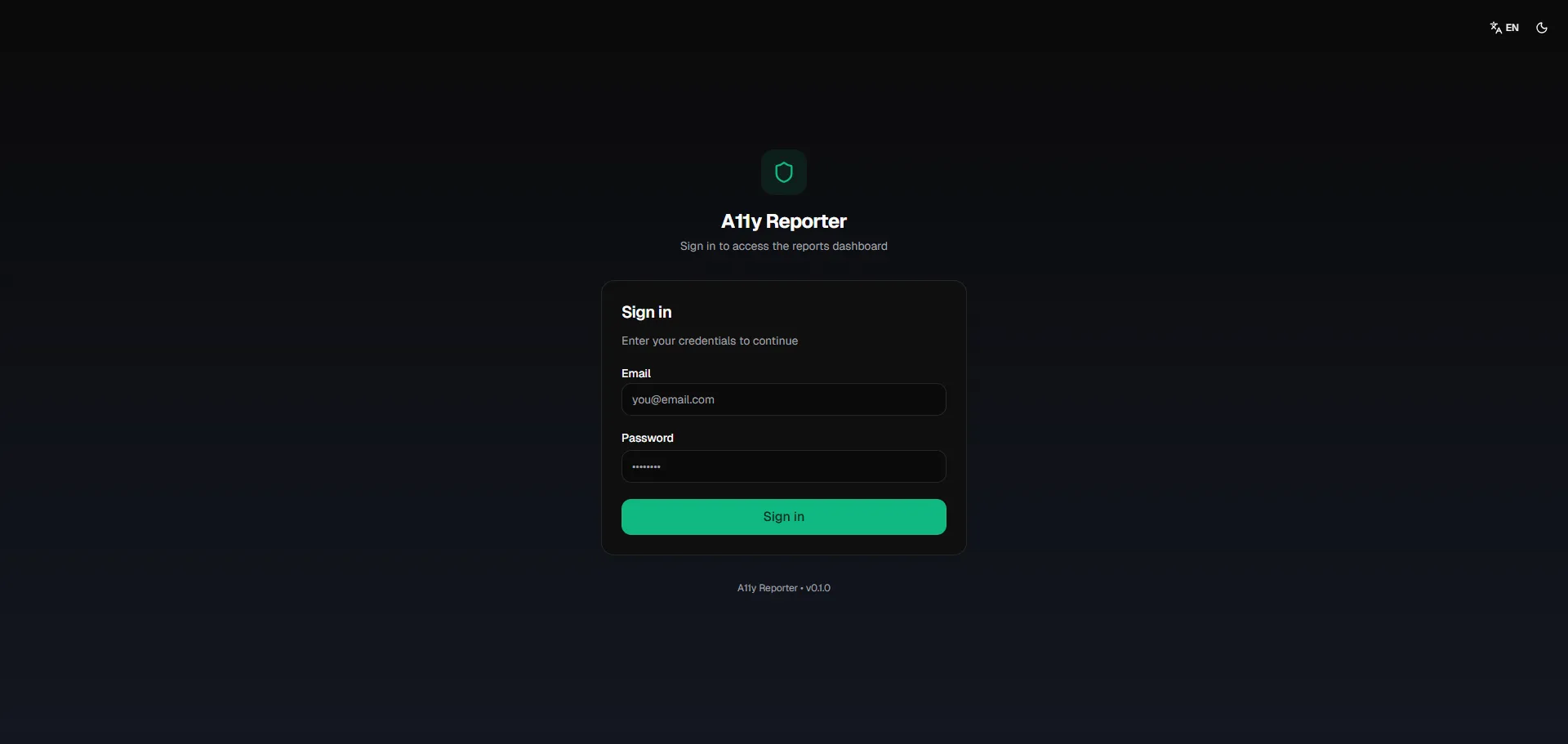
Sign in
Secure access to the reports dashboard. Enter your credentials to continue.
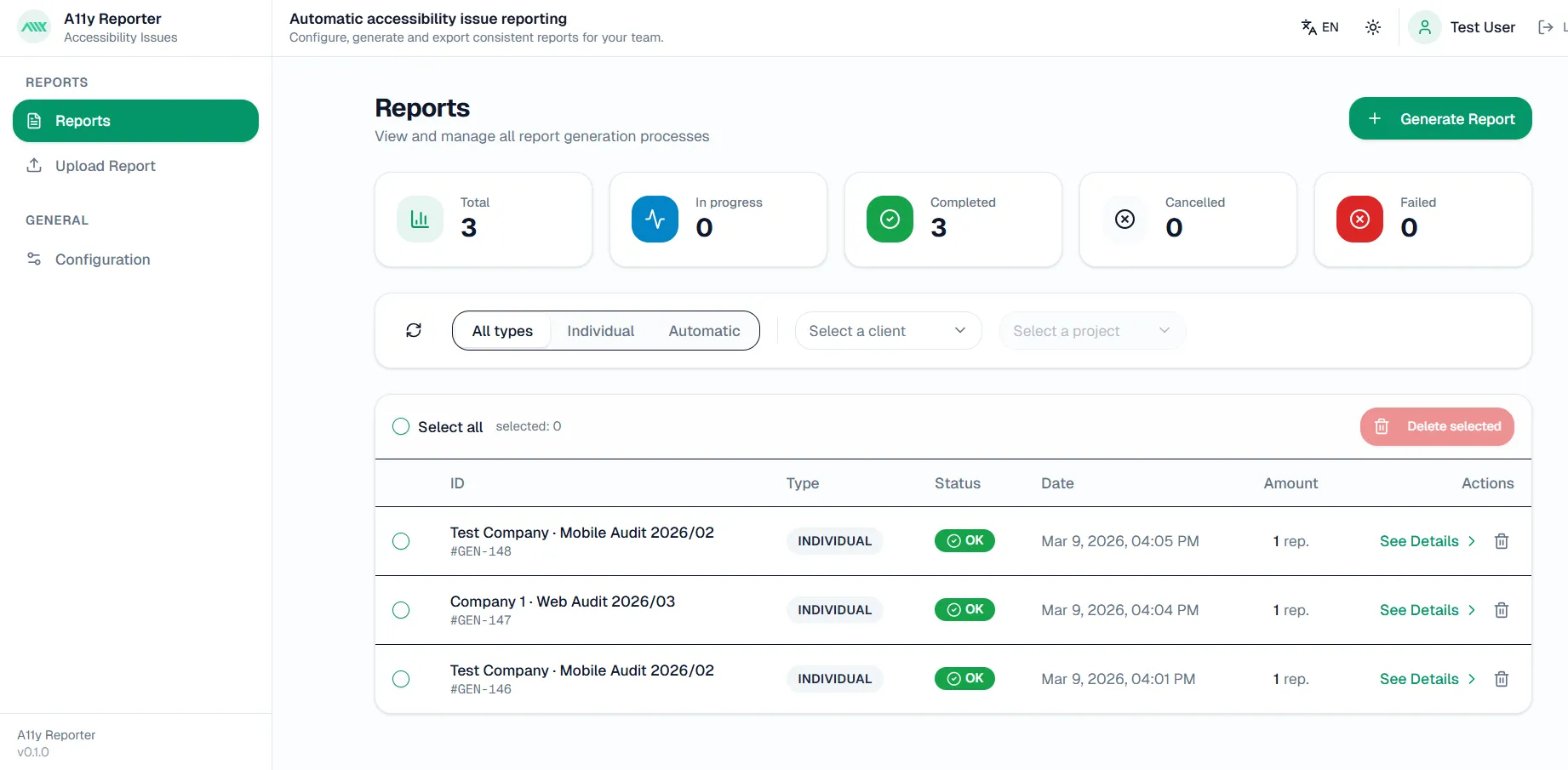
Reports
View and manage all report generation processes. Total, In progress, Completed. Filter by Individual or Automatic.
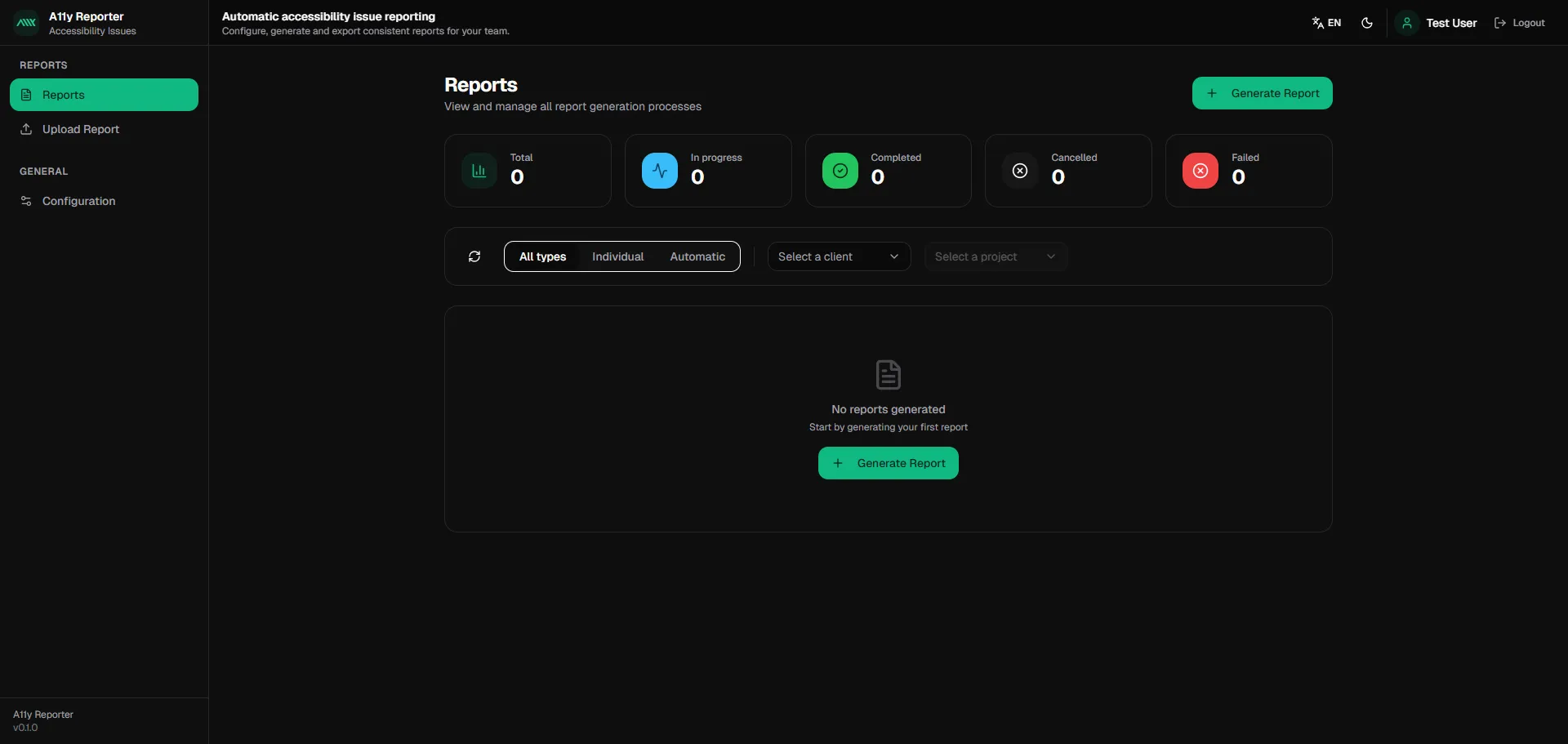
Reports dashboard
Overview of report statistics, filtering by type (All, Individual, Automatic), and quick action to generate your first report.
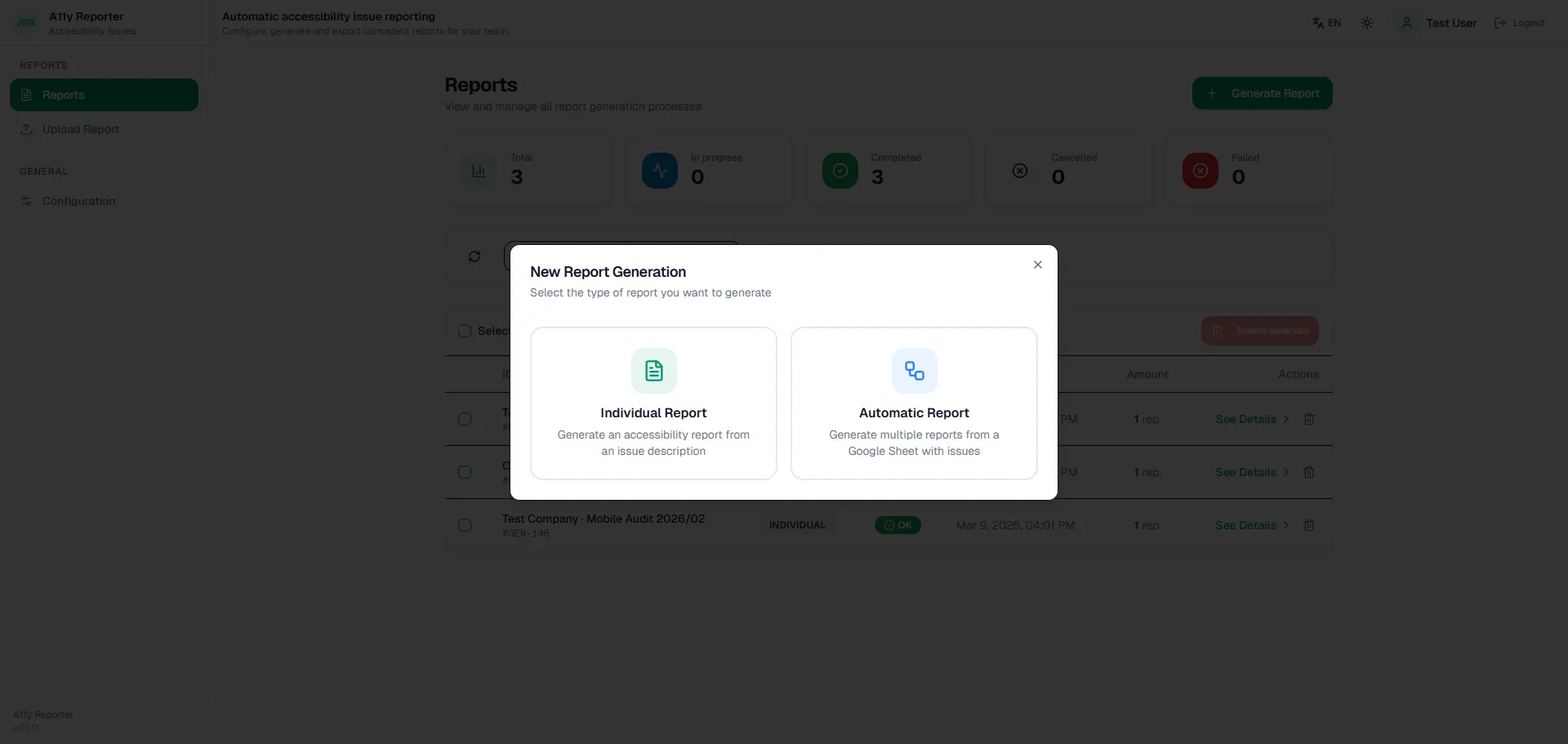
Individual & Automatic Report Generation
New Report—select Individual (from an issue description) or Automatic (from a Google Sheet).
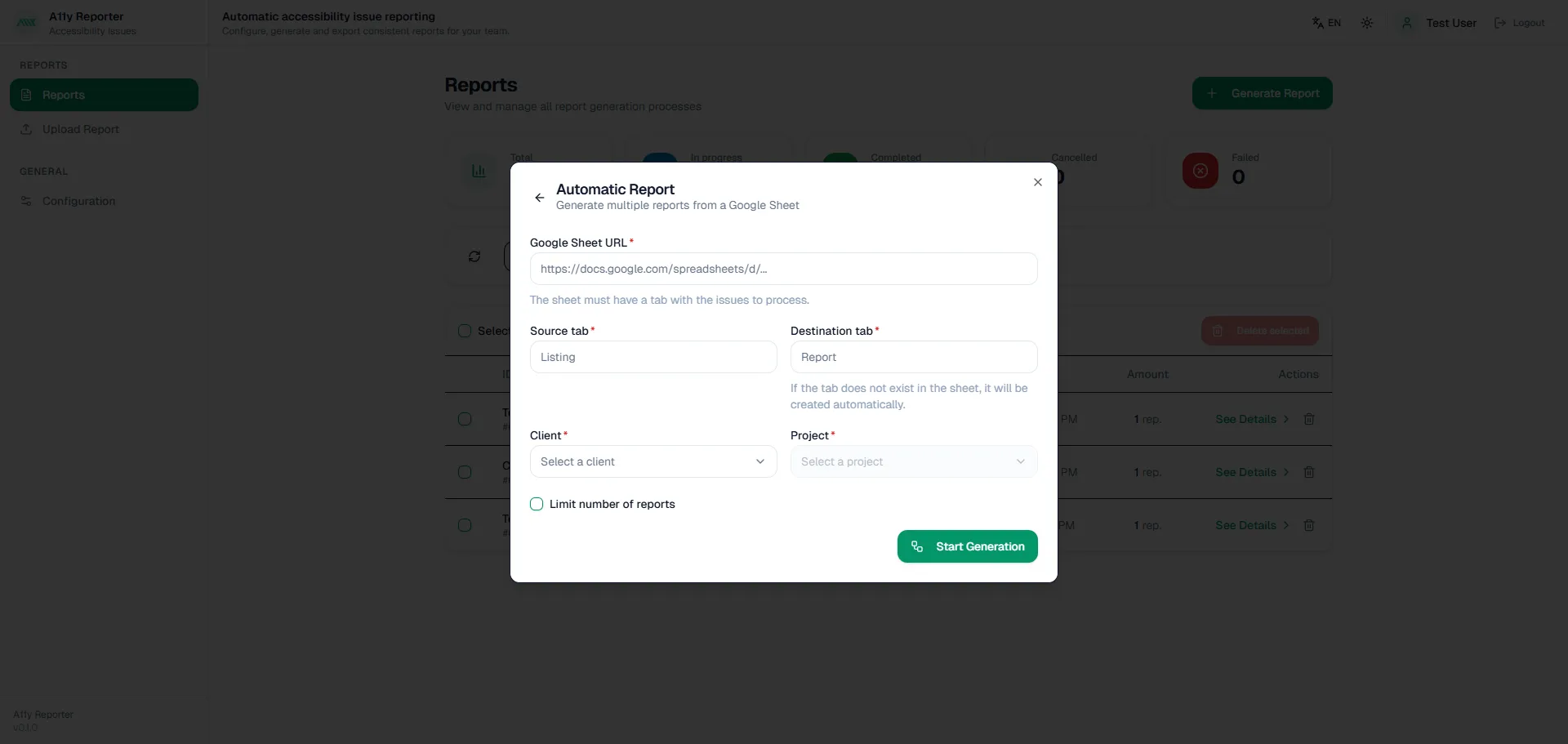
Automatic Report
Generate multiple reports from a Google Sheet. Configure source/destination tabs, client and project, and optional limits.
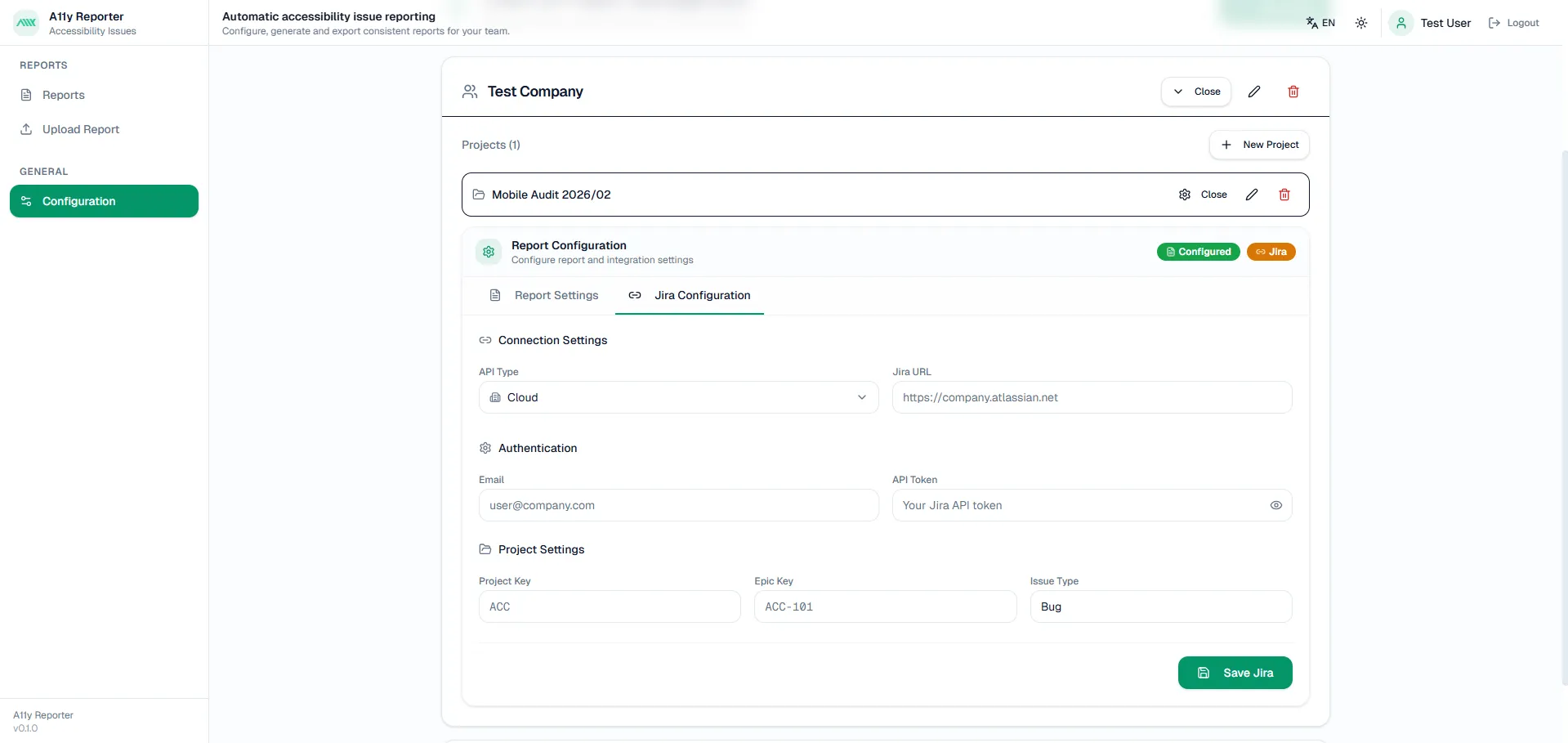
Report content & Jira
Define report fields (title, severity, WCAG checkpoint, etc.) and integrate with Jira for ticket creation.
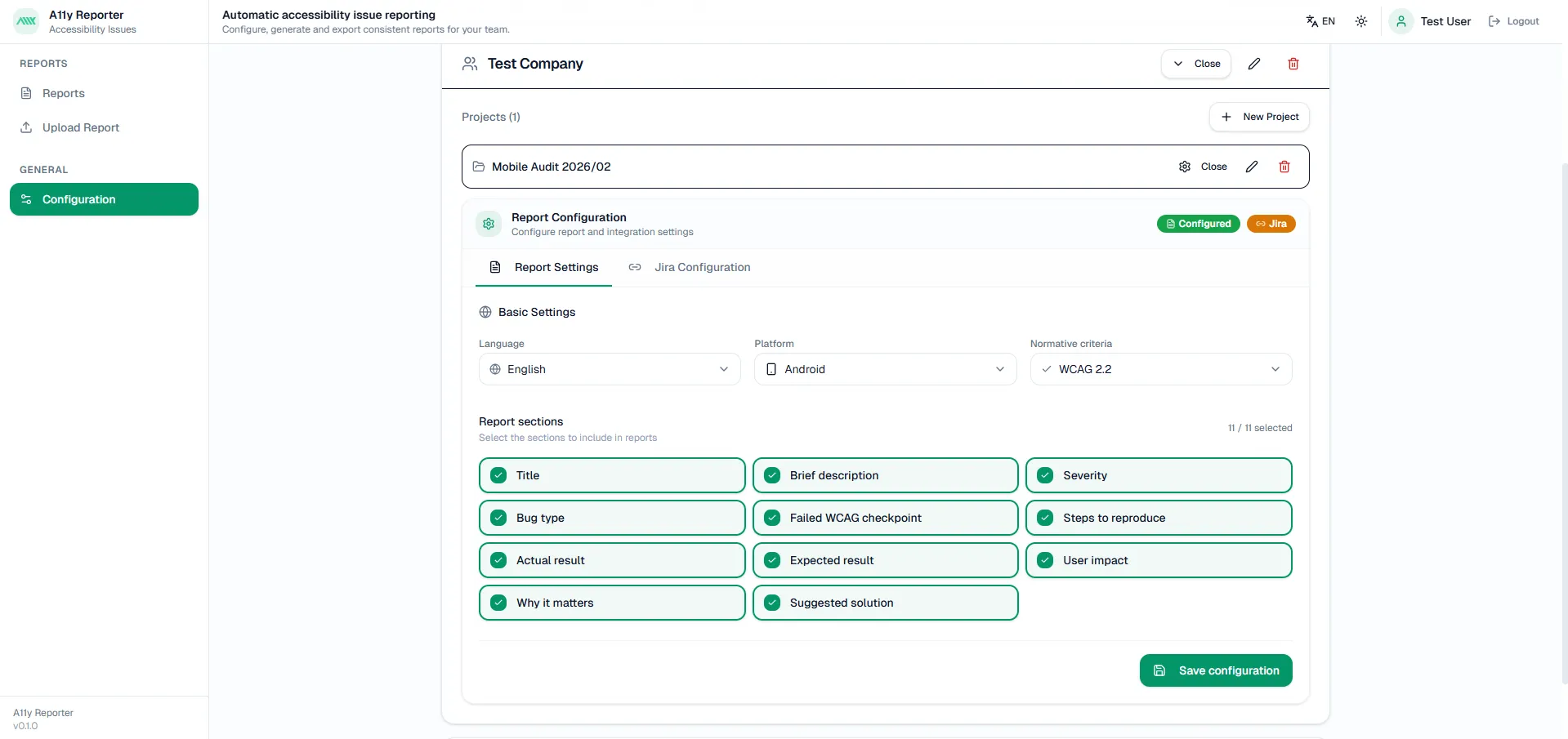
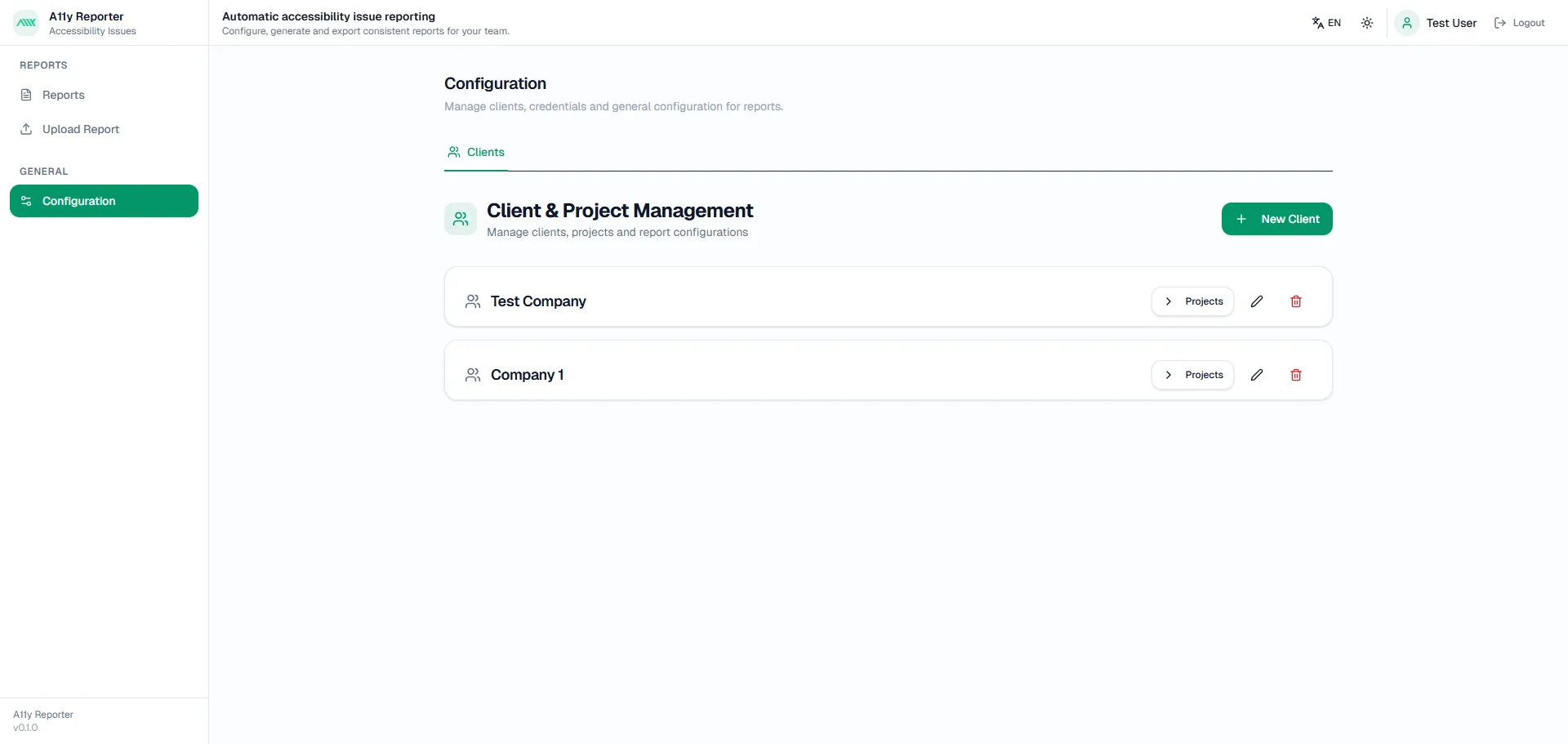
Clients & projects
Manage clients, projects and report configurations. Set language, platform (Web, iOS, Android) and normative criteria.
Configuration
Central hub for report content settings, Jira integration, and client/project management across Web, Android, and iOS.
Testimonials
What our customers say
“A11yReport saved us hours per week. Full reports in seconds instead of manual drafting.”
Alex T.
QA Lead
“The Jira integration streamlined our workflow. We create tickets directly from reports.”
Maria L.
Product Owner
Our accessibility expertise has contributed to projects for teams at…






FAQ
FAQs
Ready to make your productaccessible to everyone?
Get started with a free accessibility scan or talk to our experts about your compliance needs.
No credit card required · Results in minutes · WCAG 2.2 AA compliant